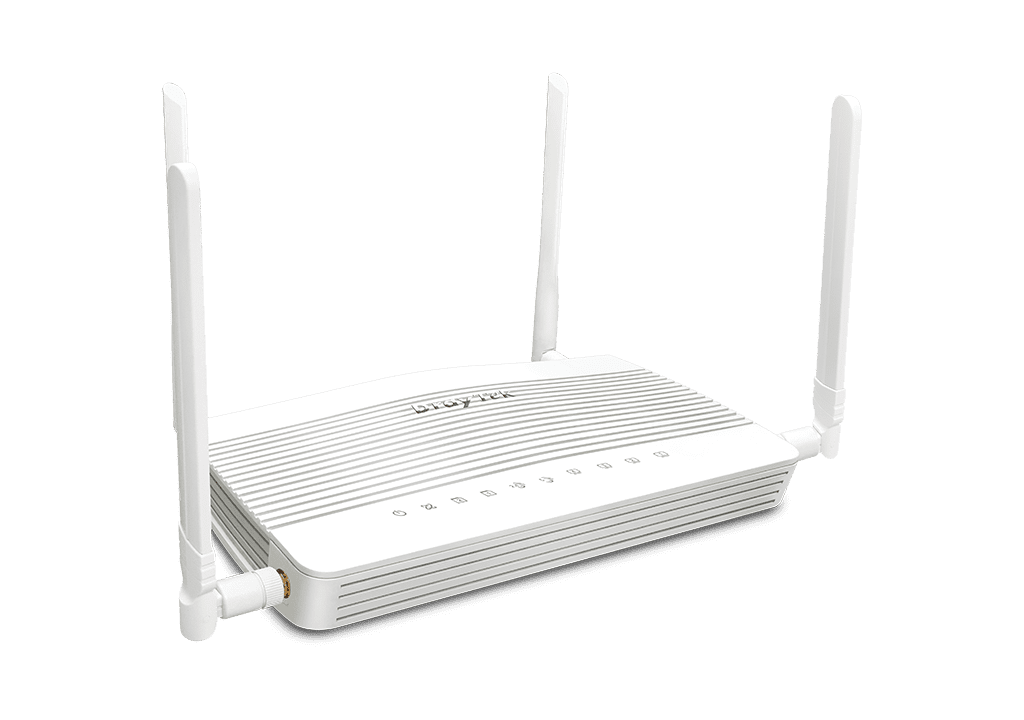
DrayTek Port Knocking for Secure VPN Access
DrayTek Port Knocking conceals VPN service ports and integrates TOTP authentication to prevent unauthorised access, delivering stronger protection for remote network connections.
What is Port Knocking?
Port Knocking is a security method that requires a specific sequence of connection attempts (“knocks”) before opening a service port. Until the correct sequence is completed, the VPN port remains hidden from public view.
TOTP Dynamic Authentication
DrayTek enhances Port Knocking with TOTP (Time-Based One-Time Password), generating dynamic knock ports that are difficult to predict or replicate, significantly improving security.
Key Security Benefits
Blocks automated bot scanning
Prevents brute-force login attempts
Reduces exposure to targeted exploits
Supported Models and Firmware
DrayOS 5 (Firmware 5.3.6 or later)
Vigor2136 / 2767 / C510 Series
Enterprise Routers (Firmware 4.4.5 or later)
Vigor3912 / 3910 / 2962 Series
Setup Overview
Router Configuration
Enable Port Knocking in the Teleworker VPN profile. A TOTP Secret will be generated for authentication.
Client Configuration
Enter the First Knock Port and TOTP key in the SmartVPN Client to establish a secure VPN connection.
Supported SmartVPN Clients
Windows v5.7.2
Android v1.6.4 or later
iOS v1.9.8 or later
Keep Your VPN Hidden and Secure
Port Knocking removes visible VPN entry points, allowing access only through the correct sequence—keeping your network private and protected.
|